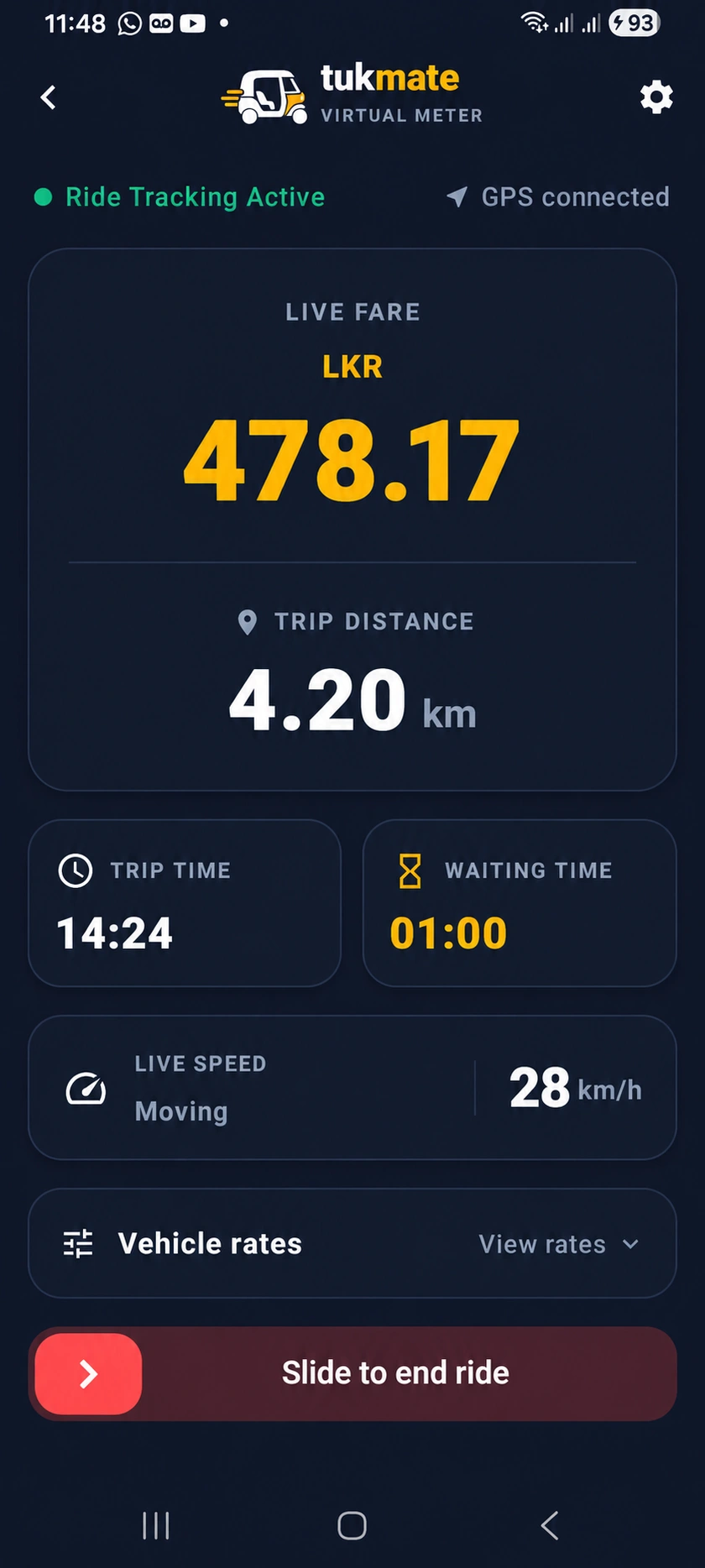
Set custom tariffs for distance and waiting. Enable a configurable +15% night fare from 10 PM to 5 AM. The floating meter uses Android overlay permission to appear over other apps. Create PDF receipts.
How to use it
- Configure distance, waiting and optional night tariffs before the trip.
- Enable location access and the overlay permission if you use the floating widget.
- Review the trip and create a PDF receipt when needed.