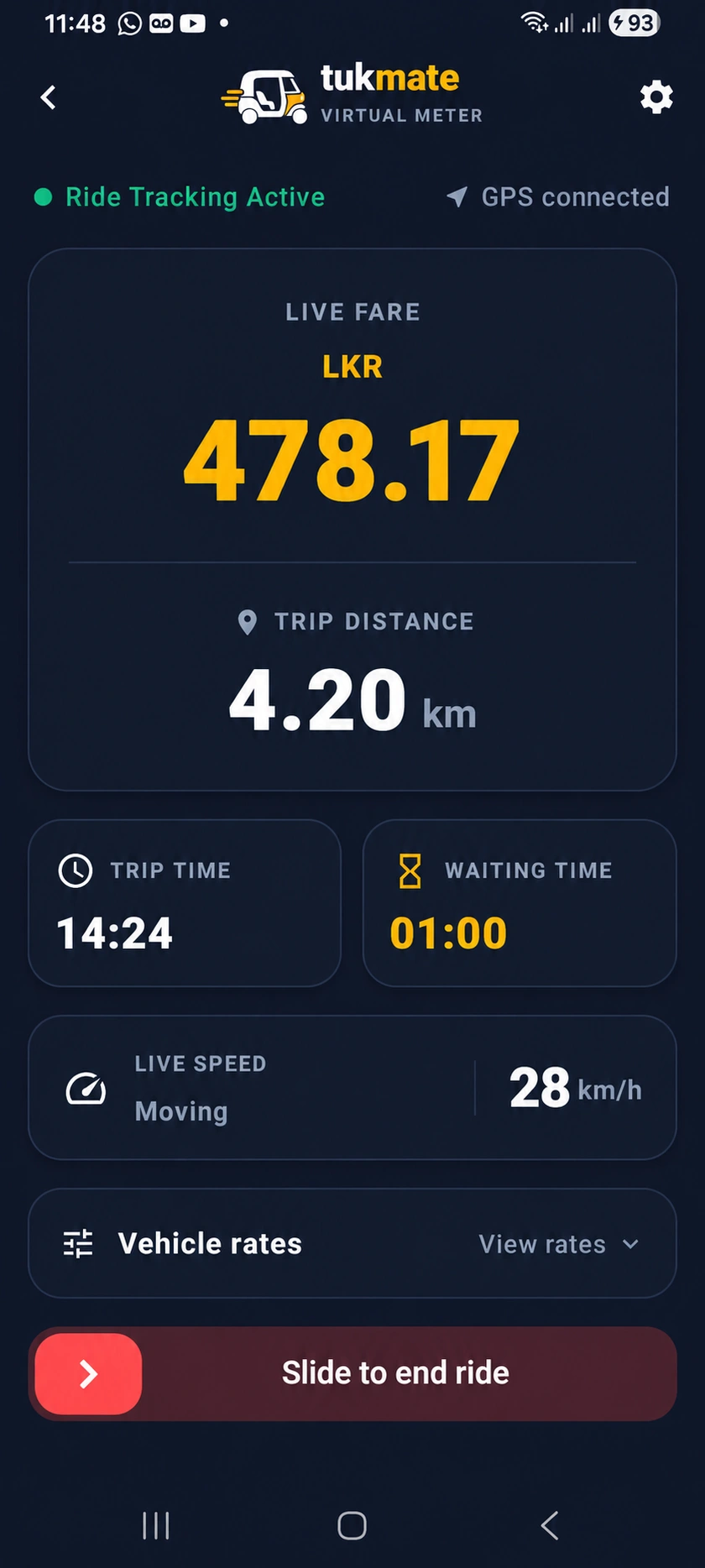
The floating meter needs Android permission to display over other apps. It lets you keep the meter visible while another app is open.
How to use it
- Open the floating-meter option in tukmate while safely stopped.
- When Android asks, review and allow the permission to display over other apps for tukmate. The setting name can vary by phone.
- Return to tukmate and check the floating meter before driving.
- If it does not appear, review the permission in Android settings.
tukmate is an independent companion. Displaying over PickMe or Uber does not mean a partnership or shared fare calculation.